Quick Entry
Type the amount, pick a category, add a note if you want. Works for income too. Choose from 27 ready-made categories or make your own.

Log a purchase in a few taps, set a monthly budget and see where your money really goes. No account, no bank login, and your data stays on your phone.
Quick to use every day, with enough detail to actually change your habits
Type the amount, pick a category, add a note if you want. Works for income too. Choose from 27 ready-made categories or make your own.
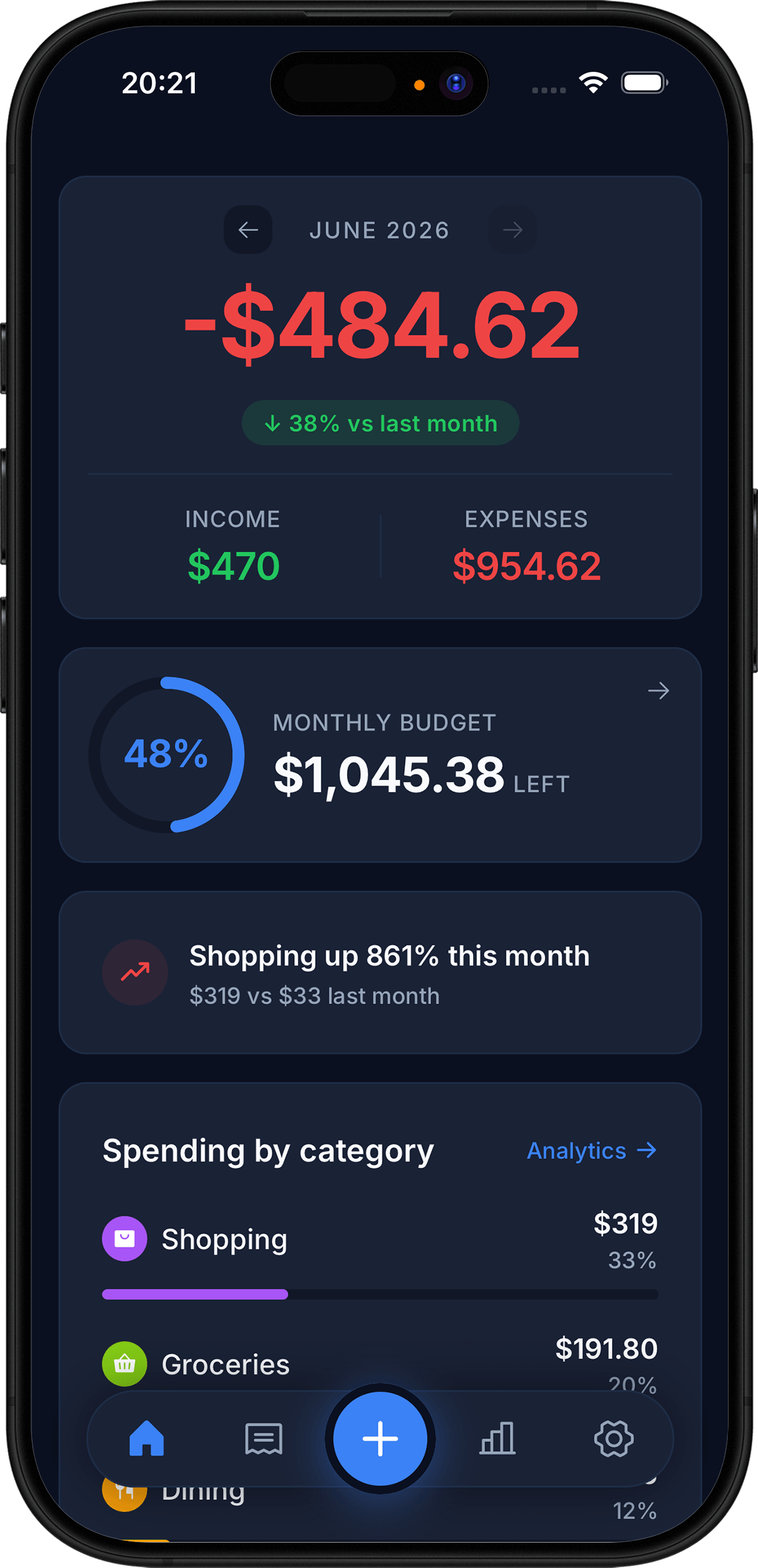
Set a monthly budget and limits for each category. You get a heads-up at 50% and 80%, and another if a category goes over. "Safe to spend today" tells you what's left.
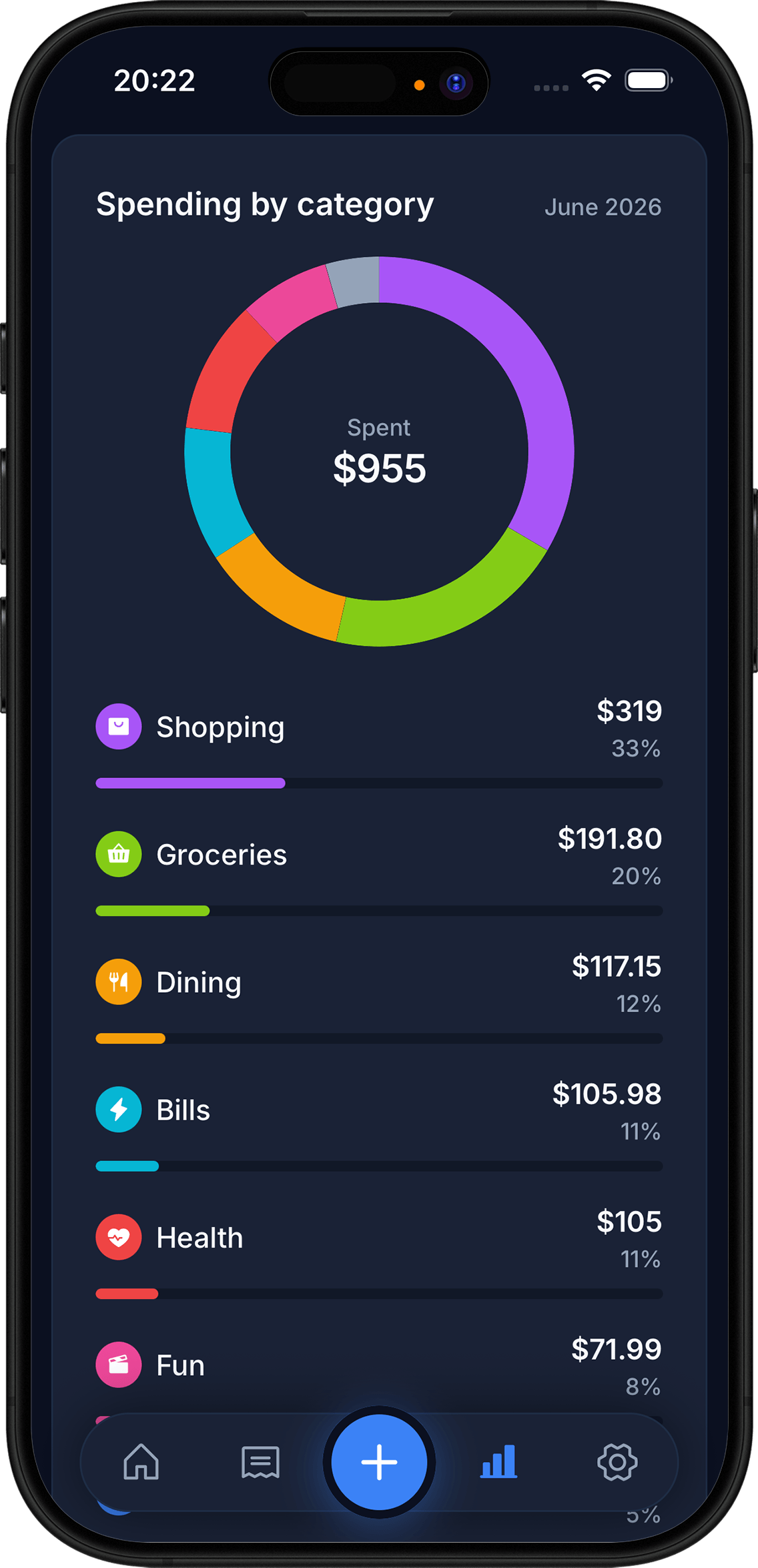
A category chart, daily and weekly bars, a heatmap and a day-of-week view for any month. A badge shows whether you spent more or less than last month.
Rent, subscriptions, your salary: add them once as weekly, monthly or yearly and they're logged automatically. Payments due in the next week show up on the home screen.
Keep cash, bank accounts and credit cards apart, move money between them and see how much of each card's limit you've used.
No sign-up and no bank connection. Your data is encrypted on your phone, and you can save a backup file whenever you like.
Daily Expense Tracker is a simple app for logging what you spend and earn. You sort it by category, set a monthly budget, and the reports show where your money goes each month.
Tap the add button, type the amount, pick a category and add a note if you want. You can also change the date and the account. The home screen updates right away.
Yes. You can set one budget for the whole month and separate limits for each category. You get a notification at 50% and 80%, and another when a category goes over its limit.
You can choose from more than 30 currencies in the settings. The app uses one currency at a time and doesn't convert between them.
No. Your data is stored only on your phone, and there's no account to sync it with. To move to a new phone, create a backup file in Settings and restore it on the new device.
Yes. Logging, budgets, reports and backups are all free, and the free version shows ads. Premium removes the ads and adds unlimited custom categories and accounts, plus CSV export. The free plan includes one custom category and two accounts.
Download Daily Expense Tracker and log your first expense in under a minute.